
Kinematics & Determinacy#
This guide covers kinematic analysis of mechanical assemblies, including joint detection, torsor computations, and determinacy analysis. It enables automatic identification of joints between solids and evaluation of assembly mobility.
Note
Prerequisites: GraphAssembly
Tip
Tutorial Data File: Gearbox Assembly.STEP
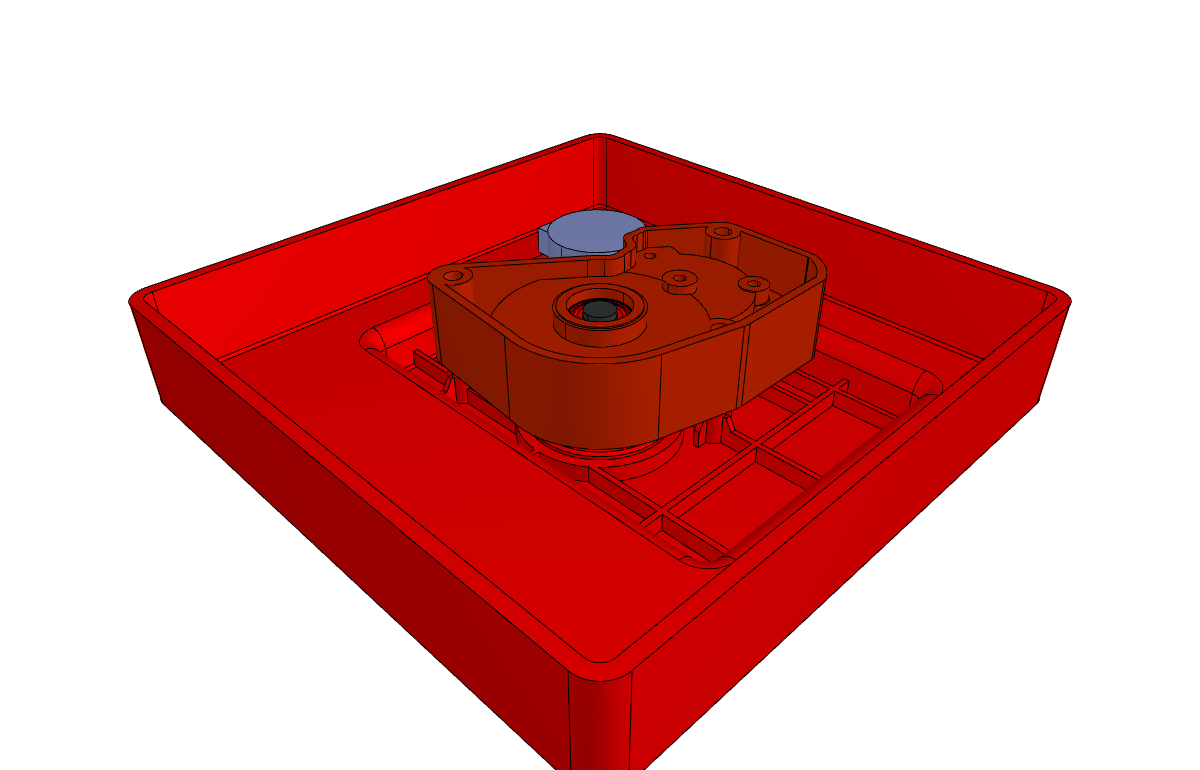
Kinematics and Determinacy Analysis#
This module provides tools for kinematic analysis of mechanical assemblies, including joint detection, torsor computations, and determinacy analysis. It enables automatic identification of joints between solids and evaluation of assembly mobility.
Overview#
The kinematics system consists of three main components:
Torsor Classes: Mathematical representations of motion and force vectors
JointFinder: Automatic joint detection from geometric constraints
Determinacy: Assembly-level kinematic and static analysis
Torsor Classes#
Torsors are mathematical objects that combine a resultant vector and a moment vector at a specific position. They are fundamental to kinematic and static analysis.
Base Torsor Class#
from volmdlr_tools.graph.kinematics.torsor import Torsor
from volmdlr.core_compiled import Point3D, Vector3D

torsor = Torsor(
    resultant=Vector3D(1, 0, 0),  # Rotation component
    moment=Vector3D(0, 1, 0),      # Translation component
    position=Point3D(0, 0, 0)      # Reference point
)
Torsor Types#
Class |
Description |
Use Case |
|---|---|---|
|
Velocity/motion representation |
Degrees of freedom analysis |
|
Force/moment representation |
Static equilibrium analysis |
|
Geometric constraint representation |
Joint constraint modeling |
|
Momentum representation |
Dynamic analysis |
|
Acceleration representation |
Dynamic analysis |
Key Torsor Methods#
Method |
Description |
|---|---|
|
Add two torsors |
|
Compute moment at a different position |
|
Count degrees of freedom |
|
Compute torsor magnitude |
|
Convert kinematic to static (or vice versa) |
|
Combine multiple torsors |
Example: Working with Torsors#
from volmdlr_tools.graph.kinematics.torsor import KinematicTorsor, StaticTorsor
from volmdlr.core_compiled import Point3D, Vector3D

# Create a kinematic torsor representing rotation about Z-axis
kinematic = KinematicTorsor(
    resultant=Vector3D(0, 0, 1),   # Rotation about Z
    moment=Vector3D(0, 0, 0),       # No translation
    position=Point3D(0, 0, 0)
)

# Get number of degrees of freedom
dof = kinematic.get_unknown()
print(f"Degrees of freedom: {dof}")

# Convert to static torsor (dual)
static = kinematic.to_dual()
print(f"Static unknowns: {static.get_unknown()}")

# Transport moment to a new position
new_position = Point3D(1, 0, 0)
transported_moment = kinematic.transport_moment(new_position)
Joint Types#
The system recognizes several standard mechanical joint types:
Joint Type |
DOF |
Static Unknowns |
Description |
|---|---|---|---|
|
0 |
6 |
No relative motion |
|
1 |
5 |
Linear sliding along axis |
|
1 |
5 |
Rotation about axis |
|
2 |
4 |
Rotation + translation along axis |
|
3 |
3 |
Rotation about a point |
|
3 |
3 |
Motion in a plane |
|
2 |
4 |
Two perpendicular rotations |
Joint Properties#
from volmdlr_tools.graph.utils.joint_types import RevoluteJoint

# After joint detection
joint = ...  # RevoluteJoint instance

# Access joint properties
print(f"Joint type: {joint.type()}")
print(f"Static unknowns: {joint.static_unknowns}")
print(f"Cinematic unknowns: {joint.cinematic_unknowns}")
print(f"Axis: {joint.axis}")
print(f"Position: {joint.position}")

# Get connected solids
solid1 = joint.solid1
solid2 = joint.solid2

# Get geometric constraints
constraints = joint.geom_constraints
JointFinder#
The JointFinder class automatically detects joint types from geometric constraints between two solids.
Constructor#
from volmdlr_tools.graph.kinematics.findjoint import JointFinder

finder = JointFinder(
    geometric_constraints=constraints,  # List of GeometricConstraint
    solid1=solid1,                       # First solid
    solid2=solid2,                       # Second solid
    name=""
)
Key Methods#
Method |
Description |
|---|---|
|
Compute the equivalent kinematic torsor |
|
Determine joint type from torsor |
|
Get kinematic vectors from constraints |
|
Compute combined constraint torsor |
|
Find unconstrained degrees of freedom |
Example: Finding Joint Type#
from volmdlr_tools.graph.kinematics.findjoint import JointFinder

# Given geometric constraints between two solids
finder = JointFinder(
    geometric_constraints=constraints,
    solid1=solid1,
    solid2=solid2
)

# Compute the joint torsor
torsor = finder.joint_torsor()

# Analyze to determine joint type
joint = JointFinder.analysis(
    torsor=torsor,
    solid1=solid1,
    solid2=solid2,
    geometric_constraints=constraints
)

print(f"Detected joint: {joint.type()}")
print(f"DOF: {joint.cinematic_unknowns}")
Determinacy Analysis#
The Determinacy class extends GraphAssembly to provide kinematic and static analysis of mechanical assemblies.
Constructor#
from volmdlr_tools.graph.determinacy import Determinacy
from volmdlr.model import VolumeModel

# Load assembly
volume_model = VolumeModel.from_step("data/step/Gearbox Assembly.STEP")

# Create determinacy analysis
determinacy = Determinacy.from_volume_model(volume_model)
Key Properties and Methods#
Analysis Methods#
Method |
Returns |
Description |
|---|---|---|
|
|
Assembly mobility (DOF) |
|
|
True if mobility = 0 |
|
|
True if mobility < 0 |
|
|
Alias for is_overconstrained |
|
|
Total degrees of freedom |
|
|
Total constraint equations |
Structural Methods#
Method |
Returns |
Description |
|---|---|---|
|
|
Number of solids in assembly |
|
|
Number of detected joints |
|
|
Number of kinematic loops |
|
|
All detected joints |
|
|
Joints of specific type |
Graph Methods#
Method |
Returns |
Description |
|---|---|---|
|
|
NetworkX graph of joints |
|
|
Kinematic loops |
|
|
Branch structures |
|
|
Find joint patterns |
Example: Full Determinacy Analysis#
from volmdlr.model import VolumeModel
from volmdlr_tools.graph.determinacy import Determinacy

# Load assembly
volume_model = VolumeModel.from_step("data/step/Gearbox Assembly.STEP")

# Create determinacy analysis
determinacy = Determinacy.from_volume_model(volume_model)

# Find bearings (optional, improves analysis)
determinacy.find_bearings()

# Access joints graph (triggers joint detection)
joints_graph = determinacy.joints_graph

# Get analysis results
print(f"Number of solids: {determinacy.get_number_of_solids()}")
print(f"Number of joints: {determinacy.number_joints()}")
print(f"Total DOF: {determinacy.number_dofs()}")
print(f"Total constraints: {determinacy.number_constraints()}")
print(f"Mobility: {determinacy.mobility()}")
print(f"Is determinate: {determinacy.is_determinate()}")
print(f"Is overconstrained: {determinacy.is_overconstrained()}")
print(f"Independent cycles: {determinacy.independent_cycles_number()}")

# Get all joints
for joint in determinacy.get_all_joints():
    print(f"  {joint.type()}: {joint.cinematic_unknowns} DOF")

# Get specific joint types
edges, revolute_joints = determinacy.get_joints("RevoluteJoint")
print(f"Found {len(revolute_joints)} revolute joints")
Mobility Formula#
The assembly mobility is computed using Grubler’s equation:
M = 6(N - 1 - J) + sum(DOF_i)
Where:
M= Mobility (degrees of freedom)N= Number of solidsJ= Number of jointsDOF_i= Degrees of freedom of joint i
Mobility |
Meaning |
|---|---|
M > 0 |
Under-constrained (mechanism) |
M = 0 |
Determinate (statically determinate structure) |
M < 0 |
Over-constrained (hyperstatic) |
Generate Report#
# Generate comprehensive report
report = determinacy.generate_report()

for key, value in report.items():
    print(f"{key}: {value}")

# Output example:
# name: gearbox
# number_of_solids: 12
# number_of_joints: 15
# number_dofs: 18
# number_constraints: 72
# mobility: 0
# is_determinate: True
# is_overconstrained: False
# number_cinematic_equations: 24
# independent_cycles_number: 4
# number_RevoluteJoint: 8
# number_FixedJoint: 7
Visualization#
# Plot joints graph
determinacy.plot_joints_graph()

# Get CAD visualization with joints highlighted
volume_model = determinacy.get_volume_model()
volume_model.babylonjs()

# Export markdown report
markdown = determinacy.to_markdown()
print(markdown)
Pattern Matching#
Search for specific joint patterns in the assembly:
import networkx as nx
from volmdlr_tools.graph.utils import joint_types

# Create a pattern graph (e.g., 4-bar linkage)
pattern = nx.Graph()
pattern.add_edge(0, 1, connection=joint_types.RevoluteJoint(...))
pattern.add_edge(1, 2, connection=joint_types.RevoluteJoint(...))
pattern.add_edge(2, 3, connection=joint_types.RevoluteJoint(...))
pattern.add_edge(3, 0, connection=joint_types.RevoluteJoint(...))

# Find matching patterns
found_patterns = determinacy.search_pattern(pattern, plot_patterns=True)
print(f"Found {len(found_patterns)} matching patterns")
Complete Workflow Example#
from volmdlr.model import VolumeModel
from volmdlr_tools.graph.determinacy import Determinacy

# 1. Load the assembly
volume_model = VolumeModel.from_step("data/step/Gearbox Assembly.STEP")

# 2. Create determinacy analysis
determinacy = Determinacy.from_volume_model(volume_model, name="Assembly Analysis")

# 3. Optional: Find and integrate bearings
determinacy.find_bearings()

# 4. Analyze the assembly
print("=" * 50)
print("ASSEMBLY KINEMATIC ANALYSIS")
print("=" * 50)

# Access joints graph (triggers analysis)
_ = determinacy.joints_graph

# 5. Print structural information
print(f"\nStructure:")
print(f"  Solids: {determinacy.get_number_of_solids()}")
print(f"  Joints: {determinacy.number_joints()}")
print(f"  Independent cycles: {determinacy.independent_cycles_number()}")

# 6. Print kinematic information
print(f"\nKinematics:")
print(f"  Total DOF: {determinacy.number_dofs()}")
print(f"  Total constraints: {determinacy.number_constraints()}")
print(f"  Mobility: {determinacy.mobility()}")

# 7. Print classification
print(f"\nClassification:")
if determinacy.is_determinate():
    print("  -> DETERMINATE (statically determinate structure)")
elif determinacy.is_overconstrained():
    print(f"  -> OVERCONSTRAINED by {abs(determinacy.mobility())} equations")
else:
    print(f"  -> MECHANISM with {determinacy.mobility()} DOF")

# 8. List joints by type
print(f"\nJoints breakdown:")
report = determinacy.generate_report()
for key, value in report.items():
    if key.startswith("number_") and "Joint" in key:
        joint_name = key.replace("number_", "")
        print(f"  {joint_name}: {value}")

# 9. Visualize
determinacy.get_volume_model().babylonjs()
See Also#
AAG (Attributed Adjacency Graph) - Face adjacency graph
GraphAssembly - Assembly graph representation
Feature Recognition - Feature detection
See Also#
GraphAssembly - Prerequisite: GraphAssembly
Distance & Clearance - Distance and clearance computations